








TL;DR
Jira’s internal database should never be modified directly. When teams need external data inside tickets (customer info, asset inventories, billing records), four approaches exist: API-based sync, middleware platforms, direct database interaction (strongly discouraged), or a dedicated Jira app. Elements Connect is the most maintainable option; it retrieves data dynamically without duplicating records or breaking the core architecture.
Jira stores all its data (issues, workflows, permissions, and custom fields) in a relational database (PostgreSQL, MySQL, SQL Server, or Oracle). This internal database should never be modified directly. When teams need external data inside Jira tickets, such as customer subscriptions, asset inventories, or billing records, the recommended approaches are API-based sync, middleware platforms, or a dedicated Jira app like Elements Connect, which retrieves data dynamically without altering the core database structure.
This article explains how the Jira database works, how external data can interact with it, and what limitations to consider before connecting external sources.
Understanding the Jira database
Every Jira instance relies on a relational database to store its internal data. This backend layer contains all the information required for the application to operate.
The database stores elements such as:
- work items and comments
- space configuration
- workflows and statuses
- permissions and user accounts
- custom fields and metadata
Depending on the environment, Jira typically runs on one of the following database engines:
- PostgreSQL
- MySQL
- Microsoft SQL Server
- Oracle
This database forms the foundation of the platform. If it becomes corrupted or misconfigured, the entire Jira instance can be affected.
For this reason, Atlassian strongly advises administrators not to modify the Jira database directly. Changes should always be performed through supported APIs or applications.
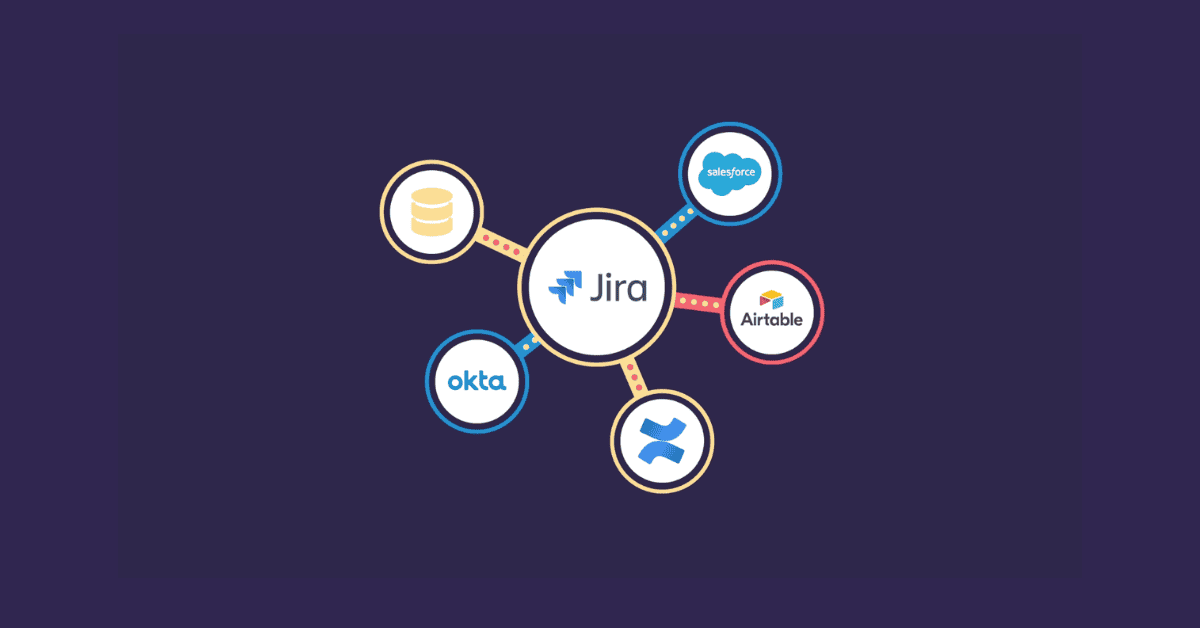
While Jira manages its own internal data structure, organizations usually maintain many other systems storing operational information.
Examples include:
- customer subscriptions
- asset inventories
- licensing records
- product usage metrics
- configuration values
Teams frequently need access to this information while working on issues.
Without a connection between systems, users must search for data manually across different tools.
Why external data is needed into Jira
Requests to display external information into Jira usually come from real operational needs.
Support teams may want to see a customer’s subscription status directly within a ticket.
Developers might require configuration values stored in an internal SQL server.
Operations teams often manage infrastructure inventories in dedicated asset databases.
Finance departments may track billing references linked to projects.
When this information is not accessible from Jira, users rely on inefficient workarounds.
Typical examples include:
- manually copying values into custom fields
- exporting spreadsheets from external systems
- switching between dashboards
- updating issue fields manually
These processes create several problems.
Information inside issues can quickly become outdated. Manual updates increase the risk of human error. Teams lose confidence in the accuracy of stored values. Users also waste time navigating between tools.
Providing controlled access to external data within Jira helps eliminate these inefficiencies.
Approaches for accessing external data into Jira
Several technical strategies exist for connecting external data sources into Jira. Each approach offers different advantages and constraints.
Understanding these options helps administrators design a sustainable architecture.
API-based synchronization
One common approach is to retrieve information from another system and push it into Jira through the REST API.
The process typically works as follows:
- A script queries the external data source
- The returned data is transformed or filtered
- The script updates Jira custom fields using API calls
This method offers flexibility because developers control the transformation logic.
However, it also introduces maintenance overhead. Scripts must be monitored, updated, and adapted whenever systems change.
If the synchronization process fails, Jira fields may stop updating.
In many cases, updates run on a scheduled basis rather than in real time.
Middleware and integration platforms
Another approach involves using middleware or an integration platform.
These tools sit between Jira and other systems, managing data flows and transformations.
They can automate synchronization tasks and orchestrate workflows across applications.
However, they also increase architectural complexity. Additional infrastructure must be configured, monitored, and maintained.
For teams without dedicated integration specialists, this approach can become difficult to manage over time.
Direct interaction with the Jira database
Some administrators consider interacting directly with the Jira database to manipulate stored information.
This approach is strongly discouraged.
The internal database structure is tightly coupled with the application logic. Direct changes may corrupt data, break upgrades, or invalidate Atlassian support.
Any integration strategy should therefore avoid modifying the internal storage layer directly.
Jira apps designed for external data
A more structured solution is to use a Jira app designed to retrieve external data dynamically.
These applications allow administrators to configure connections to external systems and display results directly in Jira.
Typical capabilities include:
- secure connections to SQL servers
- configurable queries
- dynamic custom fields
- controlled access based on permissions
- display of external records inside issues
This approach allows administrators to enrich Jira with external information without altering the core database structure.
Limitations to consider
While connecting external data sources into Jira can provide significant value, administrators must carefully consider several technical constraints.
Ignoring these factors often leads to unstable or inefficient implementations.
Data freshness
Some integrations rely on scheduled synchronization processes.
For example, a script may update Jira fields every hour using information retrieved from another system.
In this scenario, the values visible inside issues may already be outdated.
For operational use cases such as subscription validation or infrastructure monitoring, delays can cause confusion.
Dynamic queries can improve accuracy but must be carefully optimized to avoid performance issues.
Security and access control
Any architecture involving external data requires strong security measures.
Administrators must manage authentication credentials, encrypted connections, and network access rules.
Permissions also need to be carefully configured. Not every user should be able to see sensitive information such as financial records or customer details.
A secure configuration ensures that only authorized users can access specific data.
Performance considerations
Querying external systems during issue loading can affect the responsiveness of the Jira interface.
Performance issues may occur when:
- queries are poorly optimized
- large datasets are requested
- the external system responds slowly
- too many dynamic fields are displayed at once
If response times increase significantly, users may perceive the entire Jira instance as slow.
Proper query design and caching strategies are therefore essential.
Data consistency
Another common challenge appears when information from external systems is copied into Jira instead of being retrieved dynamically.
For example, a subscription status may change in the source system while the value stored in a Jira field remains outdated.
Automation rules or workflows may then rely on incorrect information.
Referencing live data instead of duplicating it helps maintain consistency across systems.
When connecting external data makes sense
Not every Jira environment requires deep integration with other systems.
However, accessing external data directly from issues becomes valuable in several situations.
Examples include:
- when information changes frequently
- when workflows depend on external values
- when multiple teams rely on the same dataset
- when manual updates create operational risks
- when support teams need immediate context
In these scenarios, providing access to external data inside Jira can significantly improve efficiency.
Questions administrators should consider
Before implementing a connection to external data sources, administrators should clarify several important points.
Is the access read-only, or should Jira update external systems?
Should information be retrieved dynamically or synchronized periodically?
Which projects or user groups require access?
How should the system behave if the external source becomes unavailable?
Who will maintain queries and connections over time?
Addressing these questions early helps avoid architectural problems later.
Common mistakes
Many integration initiatives fail because they are implemented too quickly without long-term planning.
Frequent mistakes include:
- building custom scripts without documentation
- ignoring SQL query optimization
- exposing unnecessary information in issues
- duplicating records unnecessarily
- underestimating maintenance effort
A sustainable implementation should remain simple, secure, and maintainable.
If administrators must constantly monitor the system, the architecture is probably too fragile.
A practical approach for accessing external data
For most organizations, the goal is not to turn Jira into a full data management platform.
Instead, administrators want to provide users with the information they need directly within issues.
An effective solution should allow teams to:
- connect external SQL servers securely
- configure queries without complex development
- display results in custom fields
- control permissions and visibility
- maintain strong performance
Rather than synchronizing large datasets, a modern architecture focuses on retrieving only the information required for each issue.
Bringing external data into Jira with Elements Connect
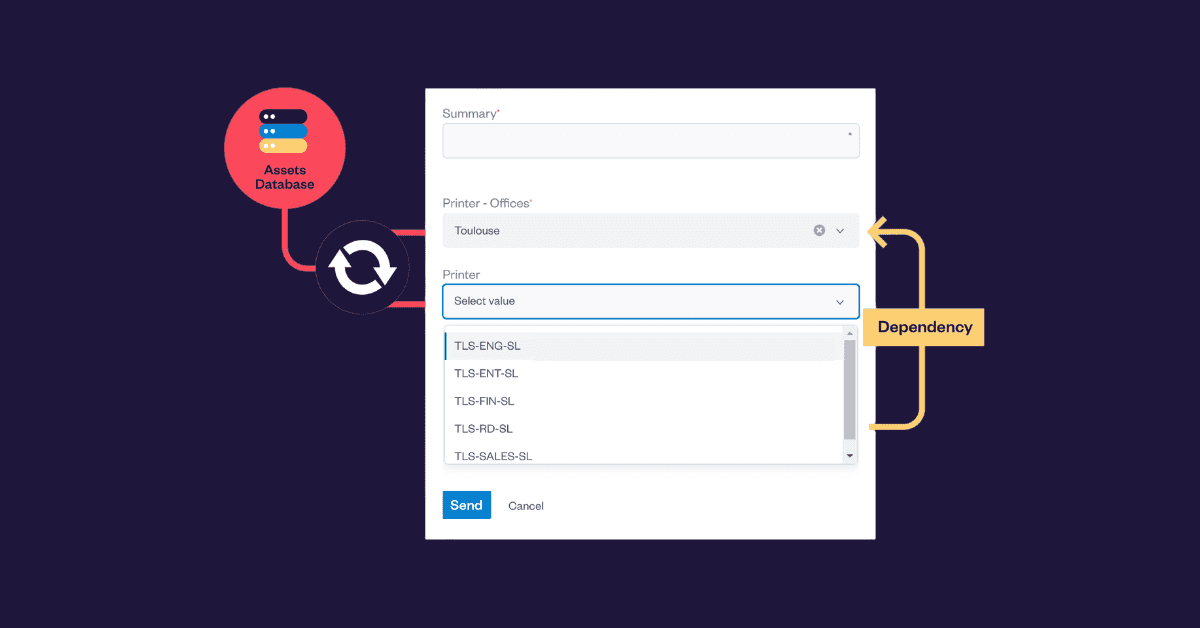
Elements Connect connects external data sources into Jira work items through dynamic custom fields, without modifying the internal database or requiring custom scripts. Instead of storing duplicated values, the app retrieves information from the source system when needed. Queries can be configured securely, permissions are respected, and administrators maintain full control over the data displayed.
Frequently asked questions
What database does Jira use?
Jira supports several relational database engines depending on the deployment: PostgreSQL, MySQL, Microsoft SQL Server, and Oracle. The database stores all internal data including issues, workflows, permissions, and custom fields.
Can I modify the Jira database directly?
No. Atlassian strongly advises against direct database modifications. The internal schema is tightly coupled with application logic; direct changes can corrupt data, break upgrades, and void Atlassian support. All changes should go through supported APIs or apps.
How can I display external data inside Jira issues?
There are several approaches: API-based synchronization scripts, middleware integration platforms, or dedicated Jira apps. The most maintainable option is a Jira app designed for external data access, such as Elements Connect, which queries external sources dynamically and displays results in custom fields without duplicating or storing data inside Jira.
What are the risks of syncing external data into Jira?
The main risks are data freshness (synced values can become outdated), performance issues (slow external queries can affect Jira’s responsiveness), security exposure (credentials and access rules must be carefully managed), and data inconsistency (when values are copied rather than retrieved live).
What is Elements Connect?
Elements Connect is a Jira app built by Elements Apps that allows administrators to connect external SQL databases and other data sources directly to Jira. It displays live data inside issues through dynamic custom fields, without modifying Jira’s internal database or requiring custom development.
Final thoughts
Jira plays a central role in managing work across teams, but the information required to resolve issues often lives in multiple systems.
Understanding how the Jira database works and how external data can be accessed is essential for administrators designing integrations.
With the right architecture, teams can access critical information directly within issues while preserving performance, security, and maintainability.
When implemented correctly, connecting external data sources transforms Jira from a simple issue tracker into a powerful operational workspace.