




Why teams use Elements Copy & Sync to escalate issues across Jira instances
Escalate issues across Jira instances without manual work
Copy issues from one Jira instance to another in a single step.
When a ticket needs escalation, all key information – fields, comments, attachments, and links – is automatically copied and kept in sync bi-directionally.
Result: Faster escalations, fewer errors, and no copy-paste between instances.
Keep support and development aligned in real time
Comments, attachments, and status updates stay synchronized between Jira Service Management and Jira.
Support and development teams collaborate seamlessly while working in their own Jira environments, allowing developers to handle escalated work items.
Result: Reduced licensing costs, faster resolution times, and clearer communication across teams.
Improve collaboration with external teams
Escalate issues across isolated Jira instances with real-time synchronization and automated replication of key ticket data (fields, comments, attachments, and links). Teams stay aligned while working in their own Jira environments – no manual duplication, no extra accounts, no access sharing.
Result: Faster cross-company delivery, reduced duplication and context switching, and secure collaboration without granting external access to internal systems.

Copy Jira issues and sync to remote instances
Elements Copy & Sync lets you bridge those instances by securely connecting them and defining how data should be shared. With configurable recipes, issues and updates are automatically copied and synchronized, so teams stay aligned without manual effort.

Have questions about copying and syncing Jira issues between Jira sites?
FAQ
Can you clone Epics or projects with Elements Copy & Sync?
How can you trigger Elements Copy & Sync recipes?
What kind of security does Elements provide for Copy & Sync? Do you offer end to end encrypted security?
What kind of information in an issue can be copied?





Deliver rapid, personalized B2B customer service at scale
Modern B2B customers expect more than just ticket resolution.
They expect fast and seamless experiences delivered across every interaction.
With Elements apps, you can meet those expectations without leaving Jira Service Management.
Esperience Managerment for Jiar


Challenge
Disconnected data and hidden customer signals
When key information is scattered, customer signals go untracked, and feedback is missing. Customer service teams are under pressure to deliver faster, smarter B2B support but persistent barriers hold them back:
- Lack critical business context at intake and through the request lifecycle, forcing agents to chase information across internal tools or through back and forth with the customer before they can act.
- Fragmented and incomplete customer experience insights, leaving customer service teams without clear drivers for improvement and prioritization
These gaps don’t just slow your team down, they limit your ability to build a service operation that’s data‑driven, proactive, and relentlessly customer‑centric.
Solution
Unify customer context and experience insights to deliver higher satisfaction
Elements apps unify customer context, feedback, and operational insight right inside Jira Service Management. Customer support teams get:
- Instant access to critical customer context from CRMs, ERPs, and asset systems, pulled live into every Jira issue
- Clear visibility on ticket details and SLAs, so agents and customers stay aligned on status and next steps
- Embedded CSAT and XLA tracking, linking customer satisfaction to operational data like resolution time and ticket volume
- Actionable insights to improve your service catalog based on real usage, enabling you to refine request types, eliminate friction, and continuously refine catalog items
With Elements, you turn Jira Service Management into a proactive, data‑driven hub that empowers your team to deliver exceptional B2B experiences at scale.



Customer context at your fingertips
Streamlines request intake and provide agents with the necessary customer context by pulling real-time data from your CRM, ERP, or asset tools into Jira issues

Clear visibility on every request

Measure customer experience

Align service catalog with customer expectations
Use cases

Guide service request intake with dynamic cascading fields
Streamline service requests with smart, pre-filled fields. Use Elements Connect to auto-populate cascading field options in Jira based on external CRM or asset data, so customers only see what’s relevant. This speeds up intake, ensures data accuracy, and reduces back-and-forth for agents.

Display customer information and deals from CRMs to Agents
Empower agents with immediate access to key account details such as contract status, deal details, or account tier, fetched live from Salesforce or other CRM tools. No need to switch tabs or request info, Elements Connect embeds it directly into the Jira issue view.

Gain customer experience insights blending customer feedback and operational data
See what customers feel and why.
Use Elements Pulse to blend CSAT scores with operational metrics like ticket volume or resolution time. Get a clear picture of which experiences drive satisfaction (or don’t) and uncover where to optimize your service delivery.

Monitor and optimize your service catalog based on real usage
Fine-tune your service catalog based on real usage.
With Elements Catalyst, monitor which request types get used and which don’t. Identify confusing entries, optimize naming and workflows, and make your catalog work better for customers and agents alike.

Ready to take Customer Service to the next level?
FAQ
How does the solution work?
The apps packaged into this solution are a collection of 4 Marketplace apps:
– Elements Connect (external data fields for Jira)
– Elements Overview
– Elements Pulse – customer experience insights for JSM
– Elements Catalyst
They are available to try free for 30 days and provide a comprehensive, 360° view of the service journey inside Jira Service Management.
Can I start with one app?
If you would like to be advised or discussed your needs, you can book a demo.
Where is my data stored?
Elements Connect safely store app data in a database hosted in an AWS Data Center in North Virginia, USA.
We’re part of the Atlassian Marketplace Cloud Security Program, and our apps are Cloud Fortified, the highest security level for Marketplace Partners. For more details, visit our Trust Center.
What external systems can I connect to with Elements Connect?
Among others, you can connect to:
– Salesforce
– Monday
– ServiceNow
– Google APIs
– HubSpot
– Microsoft Graph
– Azure Active Directory
….
What data is used to compute customer satisfaction metrics?


From siloed to seamless: rethink cross-team service operations
Connect IT, business teams, and external partners through simple, streamlined service workflows.
Eliminate handoff friction, sync progress in real-time, and provide your service teams the operational clarity needed to scale support without scaling headcount.
Esperience Managerment for Jiar


Challenge
Silos, delays, and visibility gaps that holds service teams back
As service operations become increasingly multi-functional, IT leaders face persistent barriers:
- Siloed teams using disconnected systems
- Manual handoffs leading to delayed resolutions
- Limited visibility across departmental workflows
- Misaligned goals and priorities between support, HR and vendors
These inefficiencies inflate ticket volumes, delay business processes, and ultimately impact user satisfaction and team productivity.
Solution
A unified framework for seamless collaboration
Elements apps create a unified collaboration framework within your Jira environment. Whether handling incidents, service requests, or lifecycle processes like onboarding, you get:
- Automated content publishing to reduce ticket recurrence
- Connected workflows across IT, HR, and vendors
- Real-time sync of tickets across multiple projects and teams
- Context-rich visibility on request progress, SLAs, and ownership


Accelerate high-quality request intake
Capture structured, complete request data from CRMs, HRIS, or procurement systems, without the usual back-and-forth.

Improve cross-team efficiency

Increase service transparency

Enrich your knowlegde base on the fly
Use cases

Streamlined cross-team escalation
Route incidents across departments with automated workflows, while giving teams critical context and visibility at every step.

Deliver seamless, secure services across teams and suppliers
Collaborate securely with external vendors syncing requests, updates, and SLAs without exposing sensitive data.

Flawless Joiner–Mover–Leaver journeys at scale
Ensure every employee change is fast, secure, and coordinated. Automate tasks and keep stakeholders in the loop across IT, HR, and security.



Ready to eliminate silos and accelerate service delivery?
FAQ
How does the solution work?
The apps packaged into this solution are a collection of 4 Marketplace apps:
– Elements Connect (external data fields for Jira)
– Elements Copy & Sync
– Elements Publish (Confluence pages created from Jira issues)
– Elements Overview – display related issues in custom views
They are available to try free for 30 days and provide a comprehensive, 360° view of the service journey inside Jira Service Management. JSM
Can I start with one app?
If you would like to be advised or discussed your needs, you can book a demo.
Where is my data stored?
Elements Connect, Elements Copy & Sync and Elements Publish safely store app data in a database hosted in an AWS Data Center in North Virginia, USA.
Data Residency is available for Elements Copy & Sync and Elements Publish in the DE Realm (Frankfurt AWS region).
We’re part of the Atlassian Marketplace Cloud Security Program, and our apps are Cloud Fortified, the highest security level for Marketplace Partners. For more details, visit our Trust Center.
Do I need two active licenses for synchronizing issues between two instances?
What external systems can I connect to with Elements Connect?
Among others, you can connect to:
– Salesforce
– Monday
– ServiceNow
– Google APIs
– HubSpot
– Microsoft Graph
– Azure Active Directory
….

Go beyond SLAs: Deliver user-first support
Experience management tracks the frustration and friction points that SLAs ignore.
With this solution, Jira Service Management teams get the visibility they need to reduce escalations, improve satisfaction, and run support that feels as good as it performs.


Challenge
Support that meets SLAs but fails people
In large organizations, IT support is often judged by SLA metrics like resolution time or system uptime. However, there may be a disconnect between what dashboards show and what users actually experience.
Despite meeting SLAs, teams still face:
- High support costs with little visibility into what’s actually driving value
- Customer frustration caused by poor communication or lack of context
- Frequent escalations that overwhelm service desks and erode trust
This mismatch, known as the “Watermelon Effect”, looks green on reports but red in reality. SLAs show success, yet users remain unhappy, disengaged, or blocked.
Solution
Experience Management that puts people first
Experience Management helps you measure what the users feel and improve what really matters for employees or customers – the real experience.
With Experience Management, you can:
– Identify the root of frustration, not just close tickets
– Cut down escalations by showing users what’s happening and why
– Prioritize what matters using real-time feedback, not guesswork
– Support every team from IT to HR and Facilities with consistent, transparent service
Instead of drowning in metrics that don’t reflect reality, your team gets clear signals about where to improve, and proof that your work is making a difference.
It’s not about replacing SLAs, it’s about seeing the full picture both from an operational, technical and experience point of view.

Experience Management doesn’t just measure


Bridge the gap between SLAs and user perception
SLAs tell you the service was delivered. XLAs tell you how users perceive your services

Improve satisfaction and loyalty

Empower all teams

Drive user-centric continuous improvement
Use cases
Use Cases built for teams using Jira Service Management
This solution is ideal for organizations that need to empower both technical and non-technical teams, have a mature JSM setup and want to grow beyond SLAs, care about customer satisfaction (CSAT), employee experience, and continuous improvement

Scale operations while improving the overall service experience
IT Support Leaders benefit this most

Monitor and improve team performance through feedback and actionable insights
Service Desk Managers benefit this most

Design service journeys aligned with user needs
IT Process Owners benefit this most

Give customers transparency, support seamlessly
Business Teams (HR, Legal, Facilities) benefit this most
Ready to improve your Service Experience?
FAQ
What is Experience Management in Jira Service Management?
It refers to tracking and improving the overall end-user (customer or employee) experience, not just operational metrics like SLAs.
Recent trends show a shift to Experience Level Agreements (XLAs) that measure qualitative aspects such as satisfaction and perceived value, alongside traditional SLAs. Know more on how to measure customer experience in JSM
How does the solution work?
– Elements Connect
– Elements Pulse
– Elements Catalyst
– Elements Overview
They are available to try free for 30 days and provide a comprehensive, 360° view of the service journey inside Jira Service Management.
Can I start with one app?
If you would like to be advised or discussed your needs, you can book a demo.res integration or apps to gather and analyze true experience and sentiment data
How do you measure experience in Jira Service Management?
– Customer Satisfaction (CSAT) scores
– Net Promoter Score (NPS)
– First Contact Resolution
– Feedback embedded directly into the service workflow
– Correlation of user feedback with service performance data
Jira Service Management offers robust SLA tracking but overlooks genuine experience and sentiment data
Where is my data stored?
We’re part of the Atlassian Marketplace Cloud Security Program, and our apps are Cloud Fortified—the highest security level for Marketplace Partners. For more details, visit our Trust Center.
What are the main pain points for users regarding Experience Management in JSM?
Agents experience ticket overload during major incidents due to duplicate submissions.
Limited self-service capabilities can decrease customer satisfaction and increase manual workload for agents.
Frustration around communication gaps and a lack of adaptive forms or contextual support
What data is used to compute experience metrics?
Elements Pulse and Elements Catalyst collect data from Jira Service Management projects, including operational metrics like SLAs, service catalog usage, and relevance. These insights are aggregated into real-time dashboards and reports to help IT teams track service quality, user satisfaction, and catalog performance.

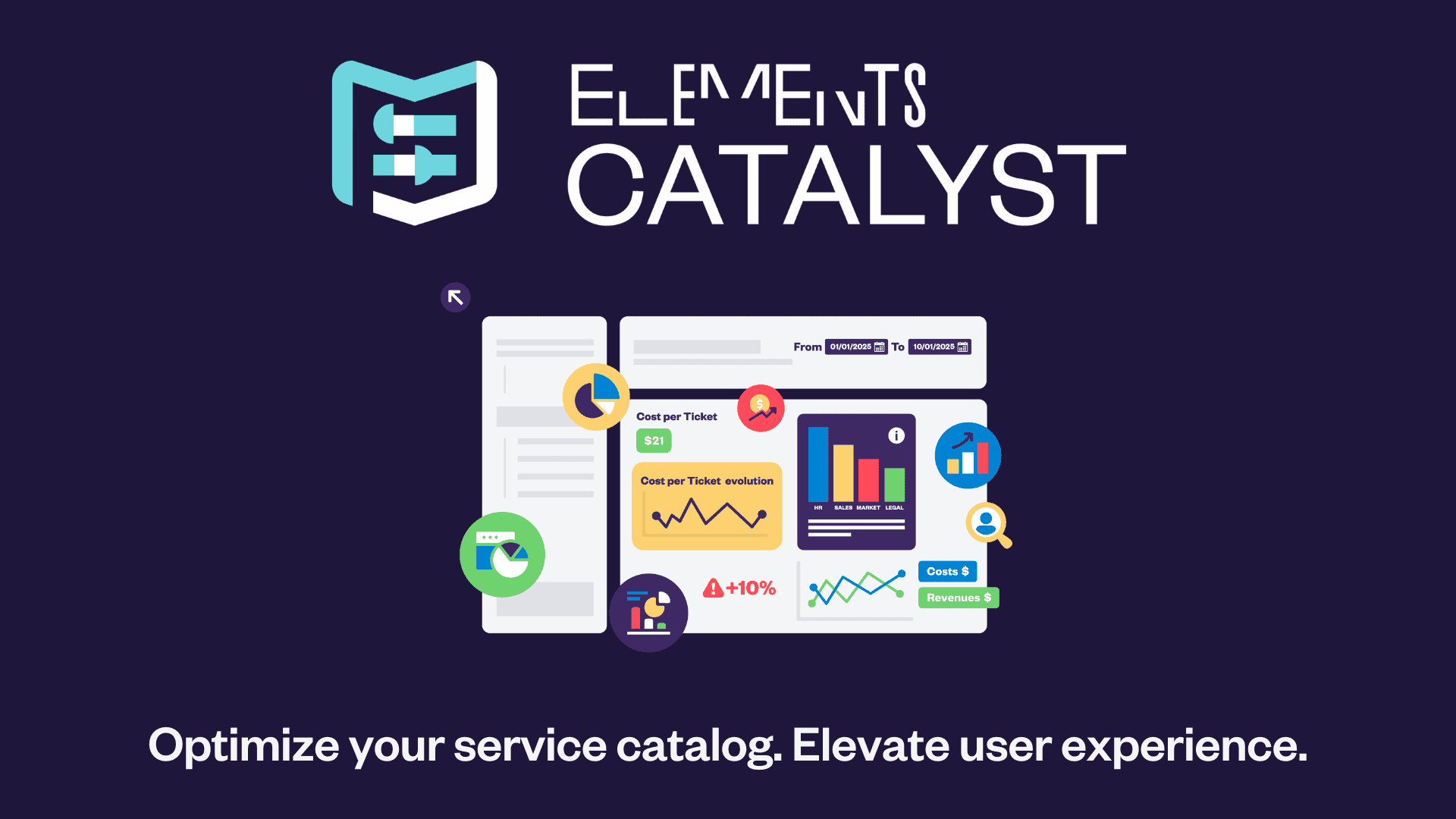
Discover how Elements Catalyst can help your team

Get a better clarity & control over your service catalog

Make smarter decisions with data-driven optimization and cost management

Deliver a smoother customer experience
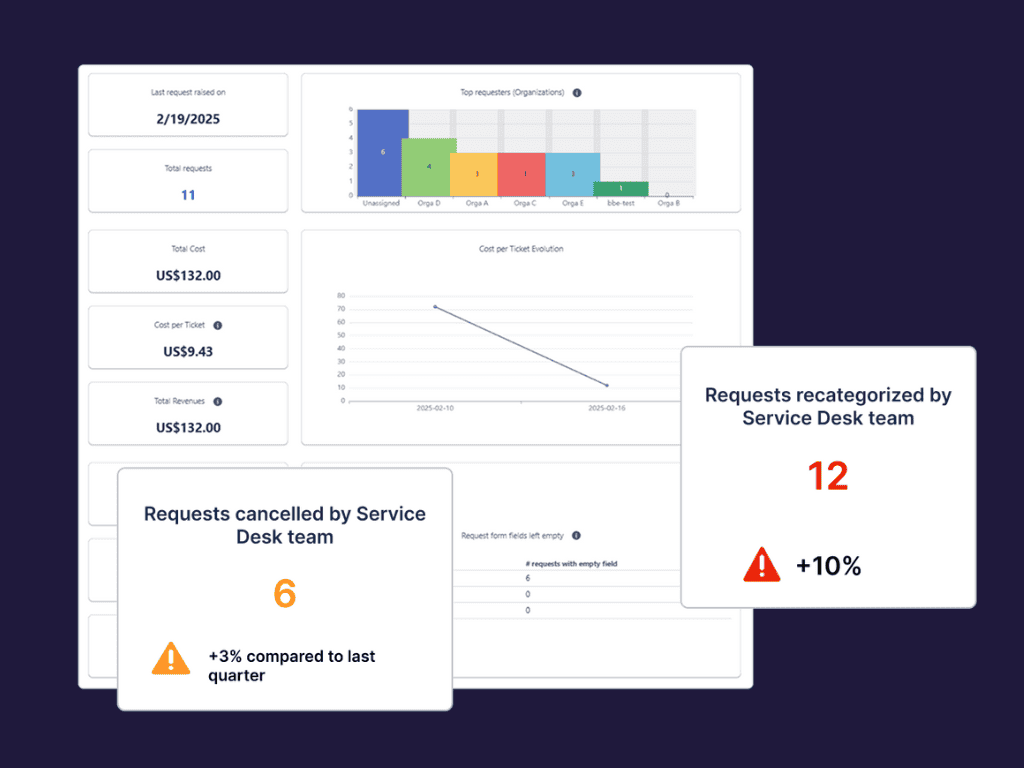
IT Service Catalog metrics
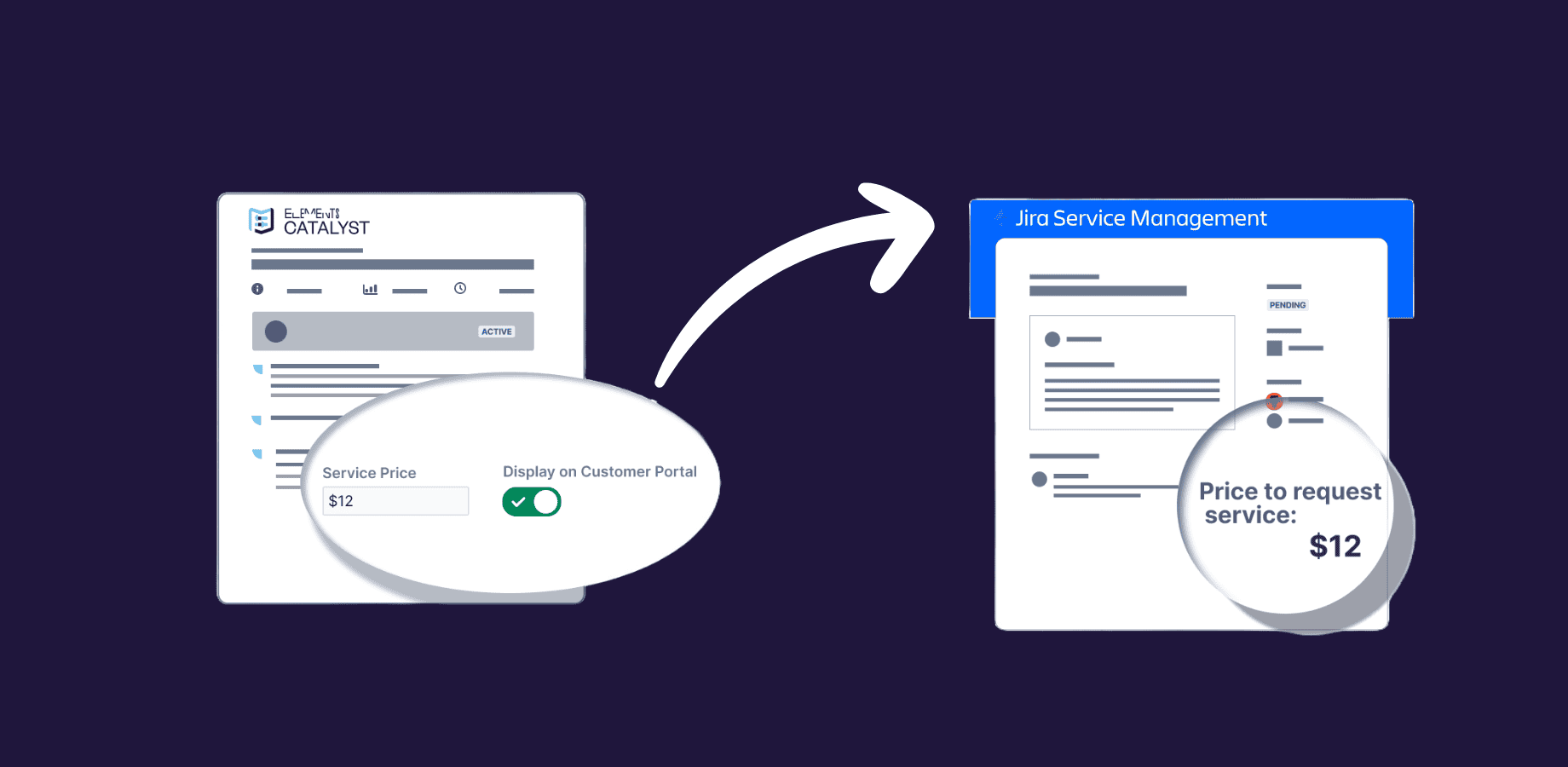
How to create an IT service catalog in Jira
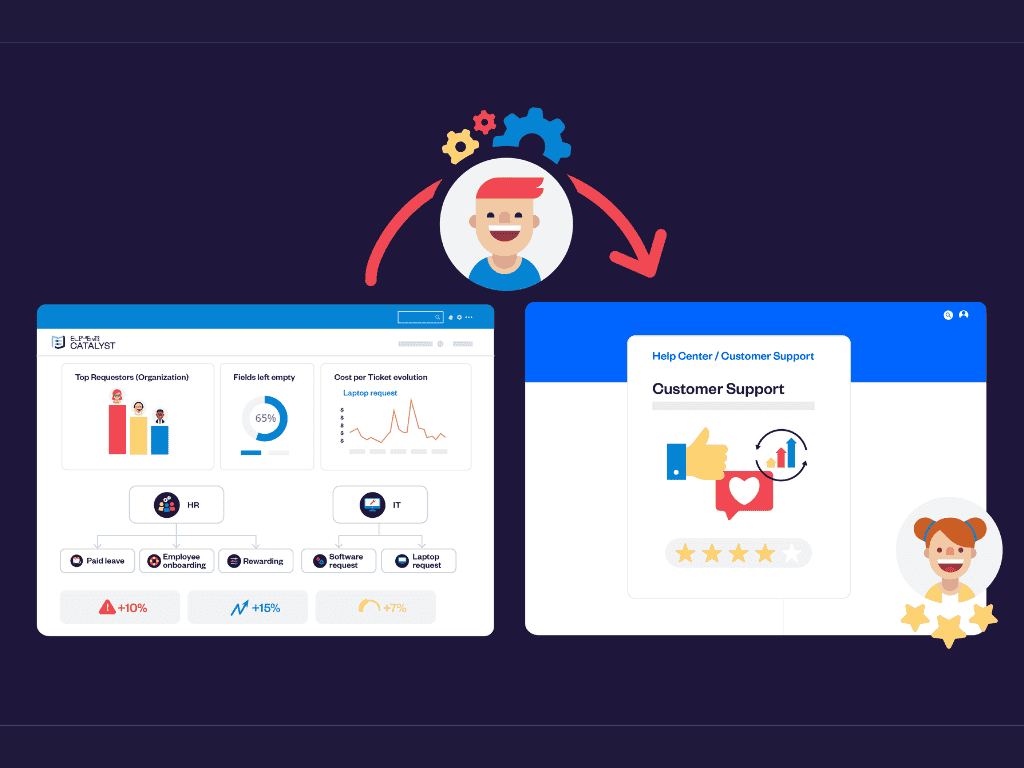
What is an IT service catalog?
Need to know if your use case is possible?
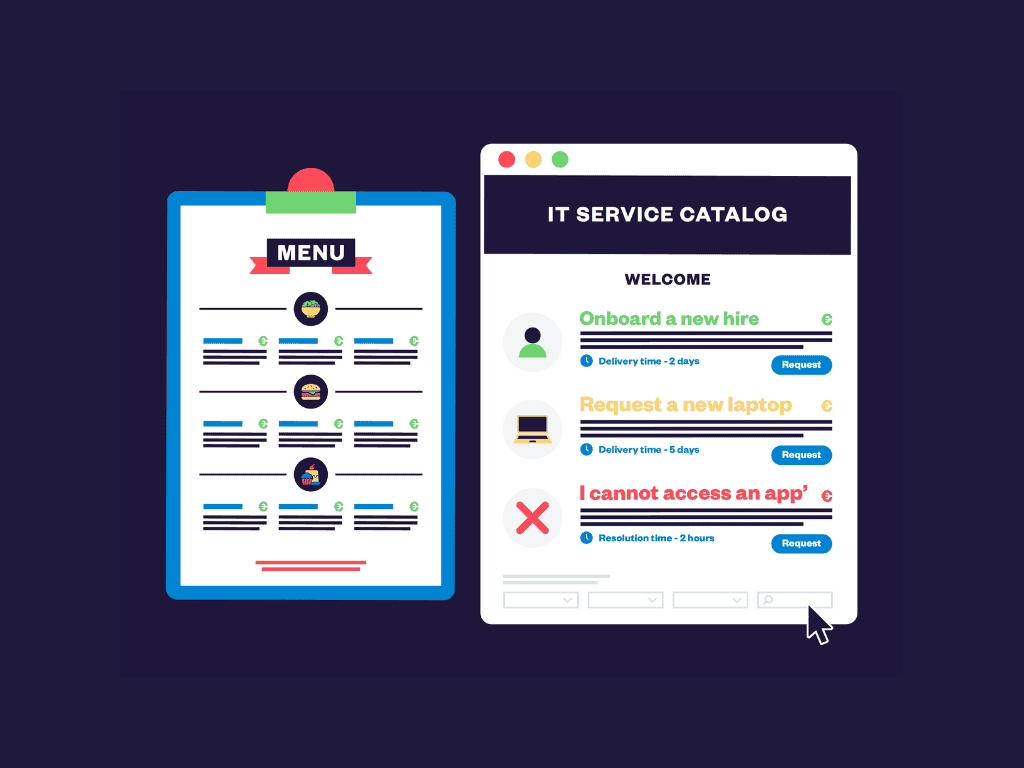
Learn how to track costs and optimize Service Requests in Jira
Over 3,000 delighted clients in
62 different countries







FAQ
How does Elements Catalyst improve ITSM teams’ efficiency?
What kind of analytics does Elements Catalyst provide?
How do I set up service cost tracking and display pricing in the Jira portal?
How does Elements Catalyst track and analyze service catalog usage in Jira Service Management?
Jira portal usage: Understand how users navigate the portal, which services they search for, and where they may encounter friction.
Request type performance: Identify the most and least used Jira request types, detect recurring issues such as frequent cancellations or recategorizations, and ensure service offerings match user needs.
User groups and service patterns: Gain insights into which teams or departments generate the most requests, allowing better resource allocation and catalog optimization.
With these insights, service managers can continuously refine their catalog, improve request handling efficiency, and enhance the overall user experience in the Jira portal.
How does Elements Catalyst integrate with Jira Service Management (JSM) and existing service catalogs?
What kind of security does Elements provide for Catalyst? Do you offer end to end encrypted security?

Get started with Elements Catalyst today
Measure and enhance customer satisfaction by implementing XLAs

Empower your IT teams with Elements Pulse, the Jira solution that puts customer experience at the heart of ITSM. Gain user-centric insights with real-time feedback, customizable analytics, and seamless Jira integration to enhance satisfaction and drive growth.
90% of customers say the experience a company provides is as equally important as its product or service

Experience data into a single, easy-to-read metric

Discover how Elements Pulse can help your team
Gain actionable customer experience insights
Align IT with organizational goals
Import your Jira data and gain valuable insights
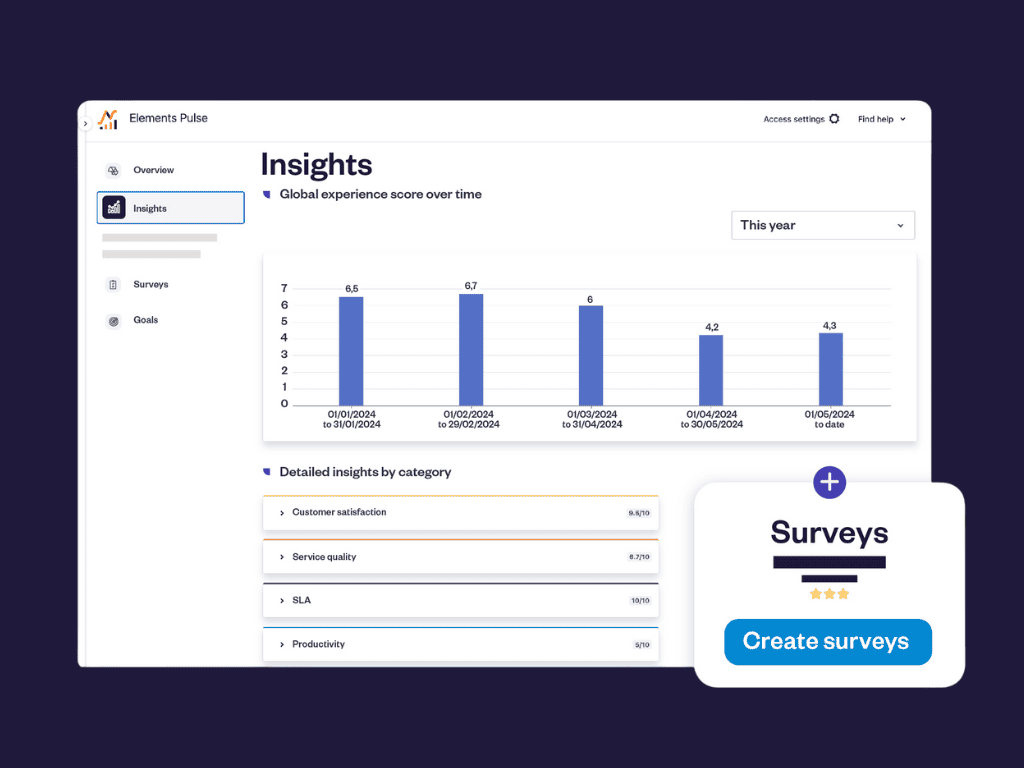
Measure customer satisfaction in Jira with Elements Pulse
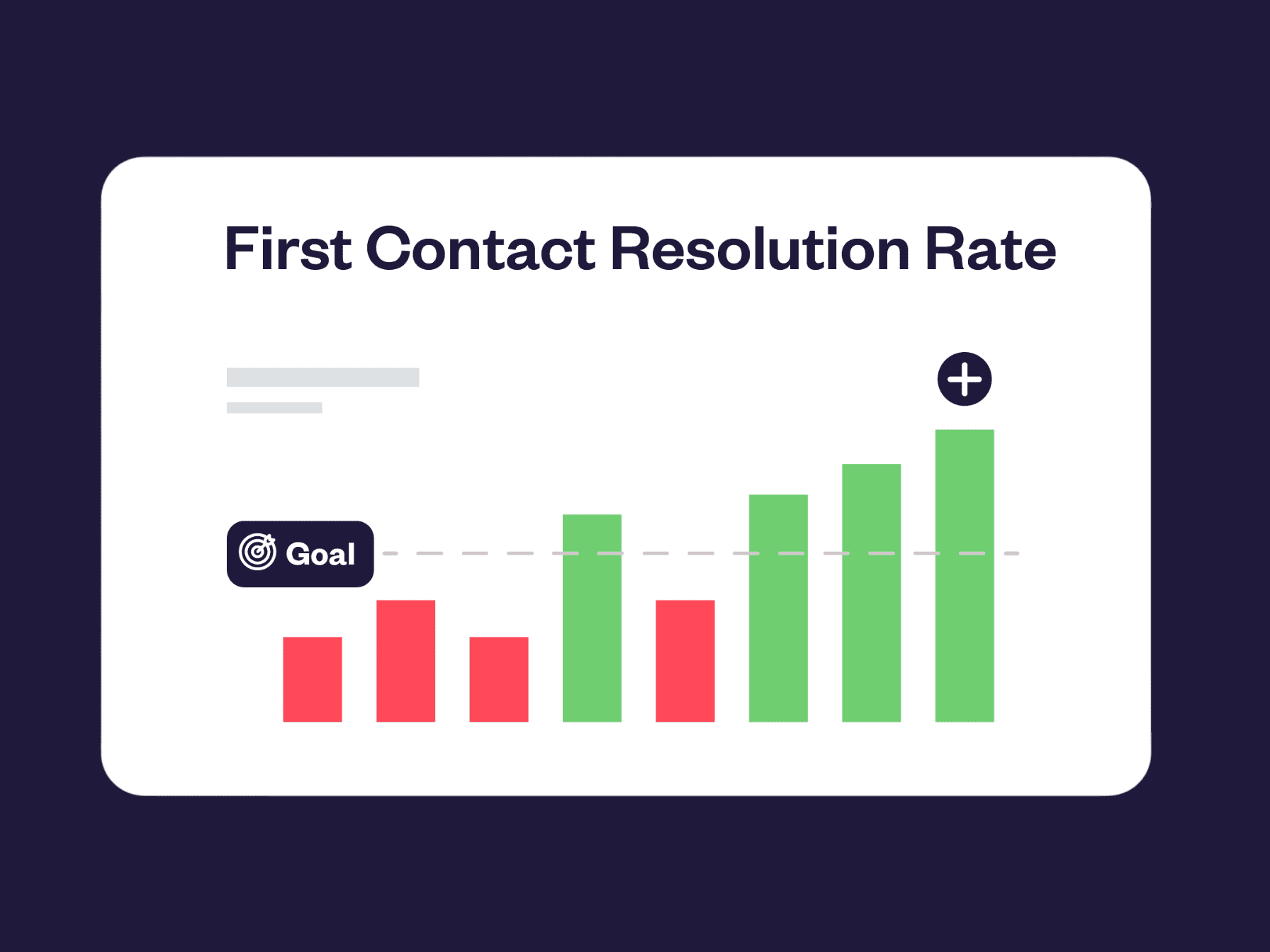
How to measure customer satisfaction in Jira with Elements Pulse

Import your Jira data and gain valuable insights

Need to know if your use case is possible?
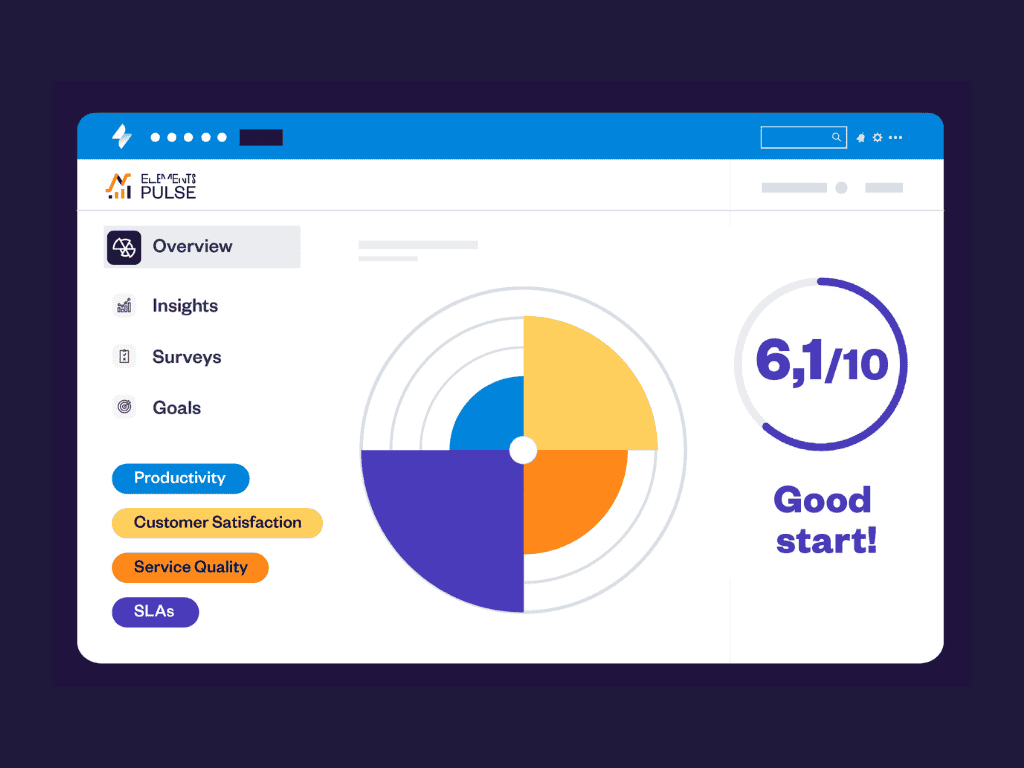
Improve support performance with service quality metrics
Over 3,000 delighted clients in
62 different countries
FAQ
What types of surveys can I create with Elements Pulse to collect user feedback?
Where does Elements Pulse retrieve its data from?
What are Experience Level Agreements (XLAs) in Elements Pulse?
What is the difference between SLAs and XLAs in Jira Service Management?
What kind of security does Elements provide for Pulse? Do you offer end to end encrypted security?
Get started with Elements Pulse today

Display and edit snippets of related issues exactly where you need them

Great solution for support teams
Elements Overview was born from the Codegeist hackathon with an Honorable Mention for the ITSM category

Discover how Elements Overview can help you team

Edit related issues directly from the issue you’re working on

Let JSM customers glimpse out-of-reach issues

Fully customize which data to display and where
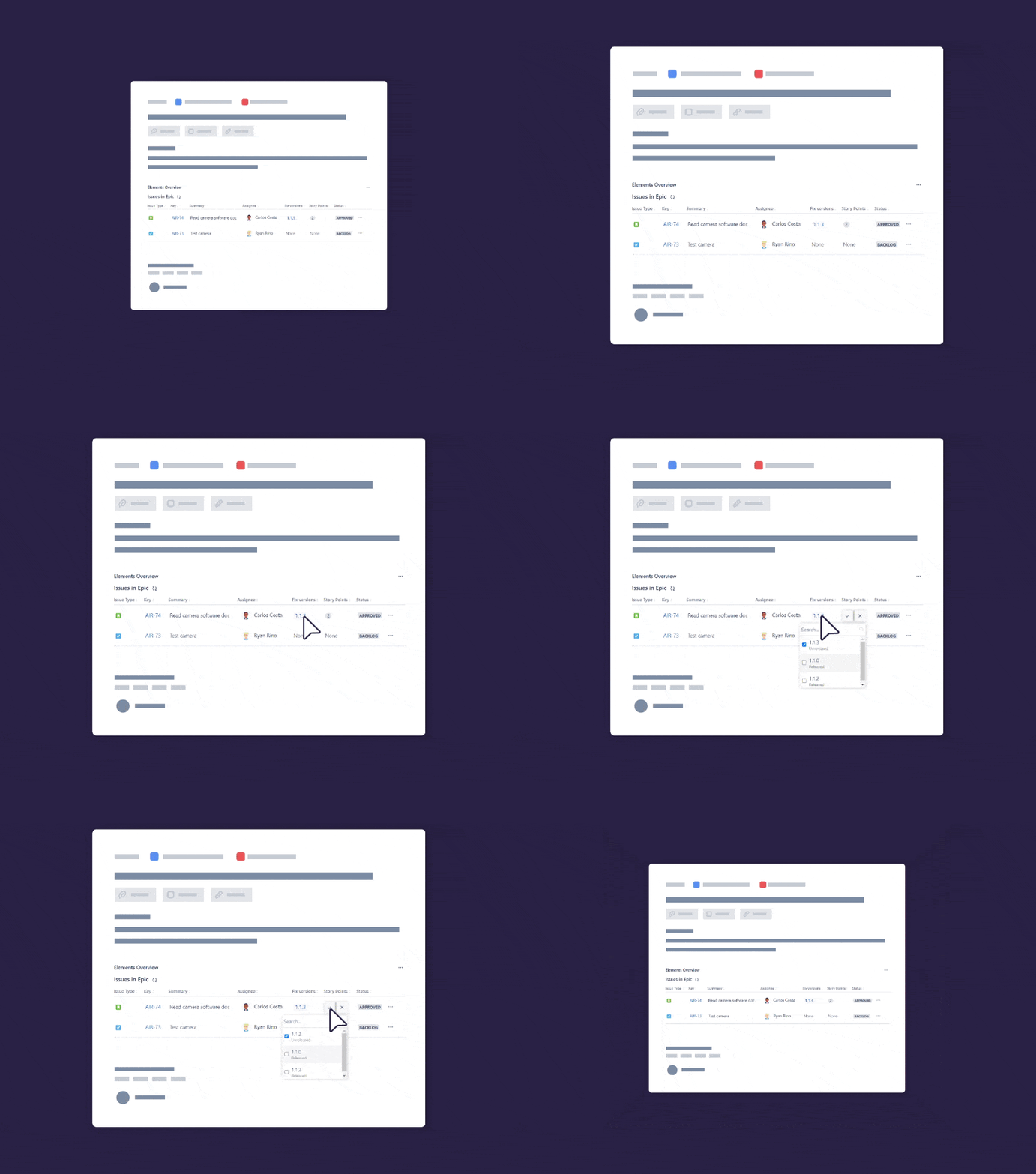
Display all caused incidents in a problem

Show escalated issues to customer on portal

Issues in Epics
Need to know if your use case is possible?

Unleash the full potential of Elements Overview by using it together with Elements Copy & Sync.
FAQ
Can Overview display issues for unlicensed users on the Customer Support Portal?
I’ve used Copy & Sync on Prem where there issues displayed in the data panel were only the linked issues. In Cloud, do the same restriction apply? Issues need to be linked to be shown?
Can I configure where to place my overviews?
Get started with Elements Overview today

Make your data alive directly on your Confluence page

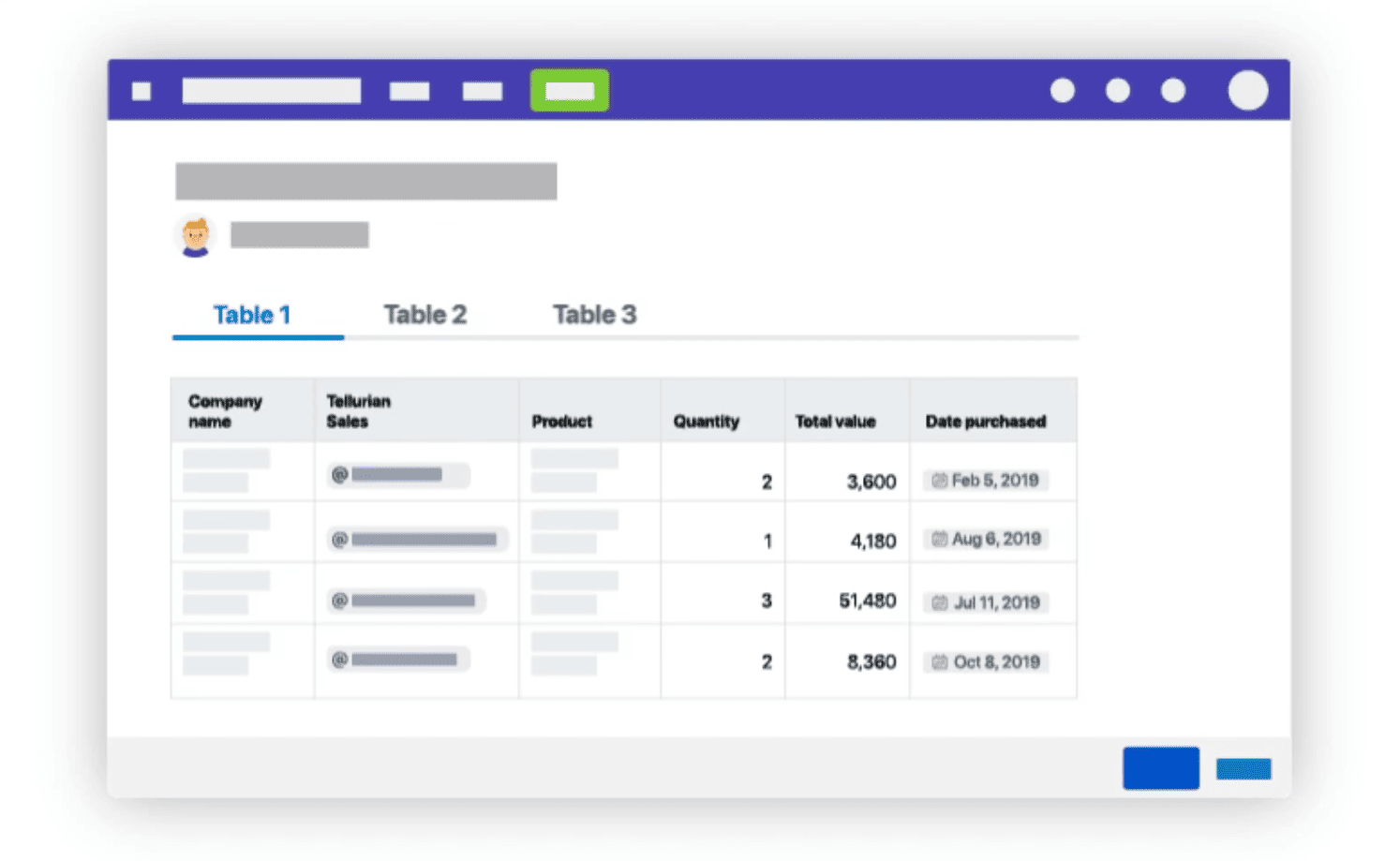
Easily organize and analyze your data directly into powerful and dynamic table perfectly embedded in your Confluence page. Manage your projects efficiently with advanced formatting features.
Great app!
Discover how Elements Spreadsheet can help your team

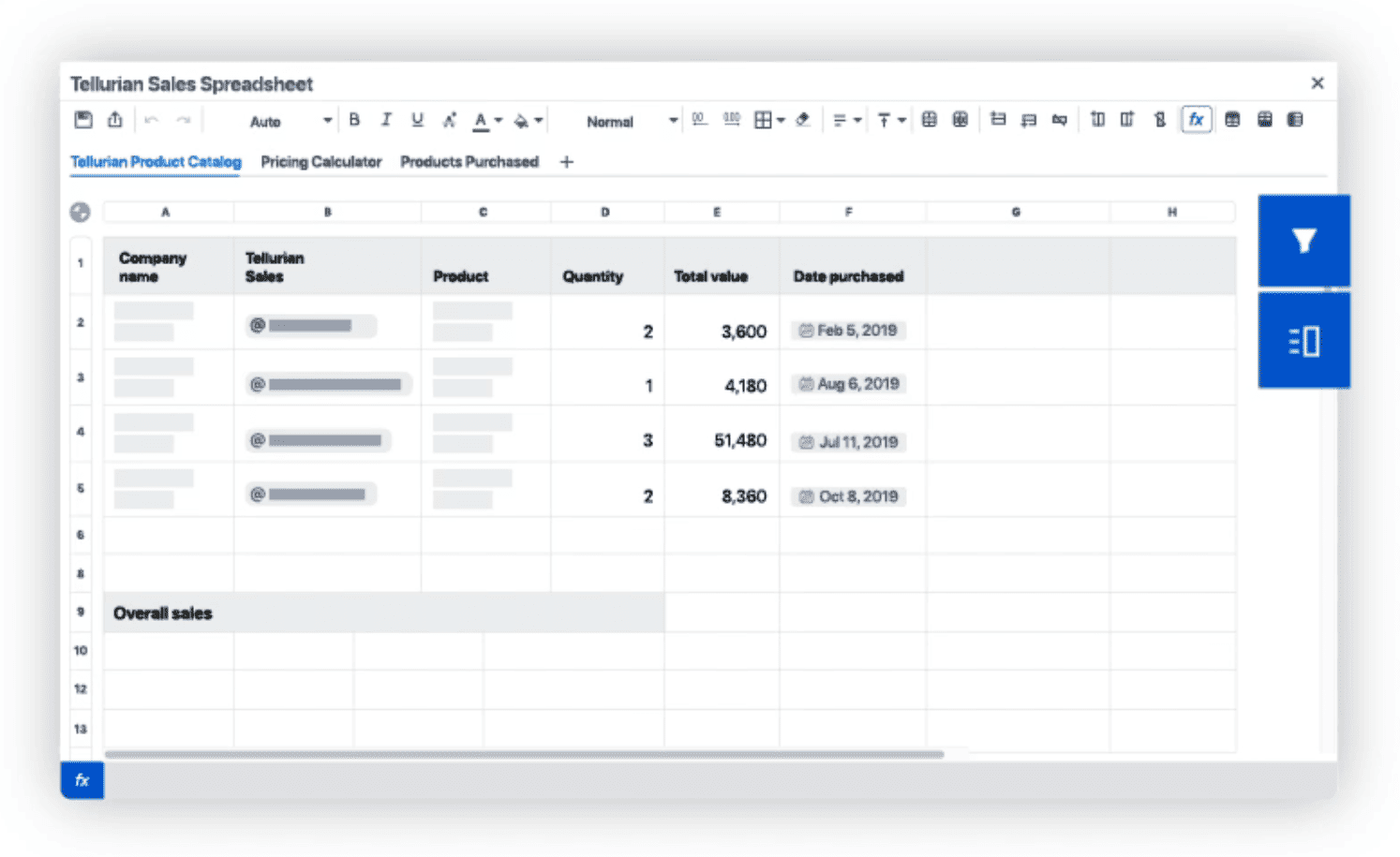
Easily organize your data in advanced tables
Empower your business teams with customizable templates.

Display tables seamlessly in Confluence
Table display options are countless, display your tables as icons or tables, and display only some sheets as opposed to all sheets.
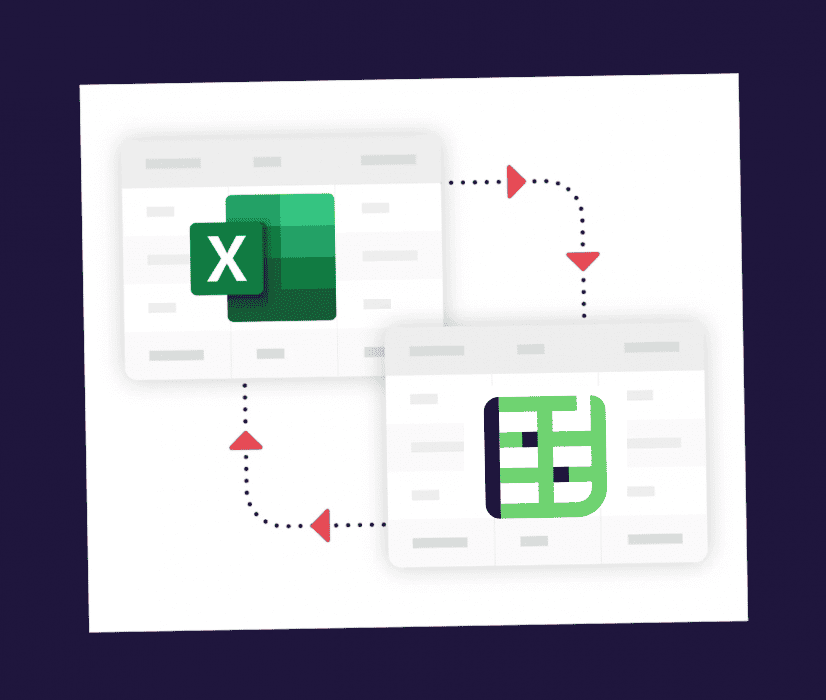
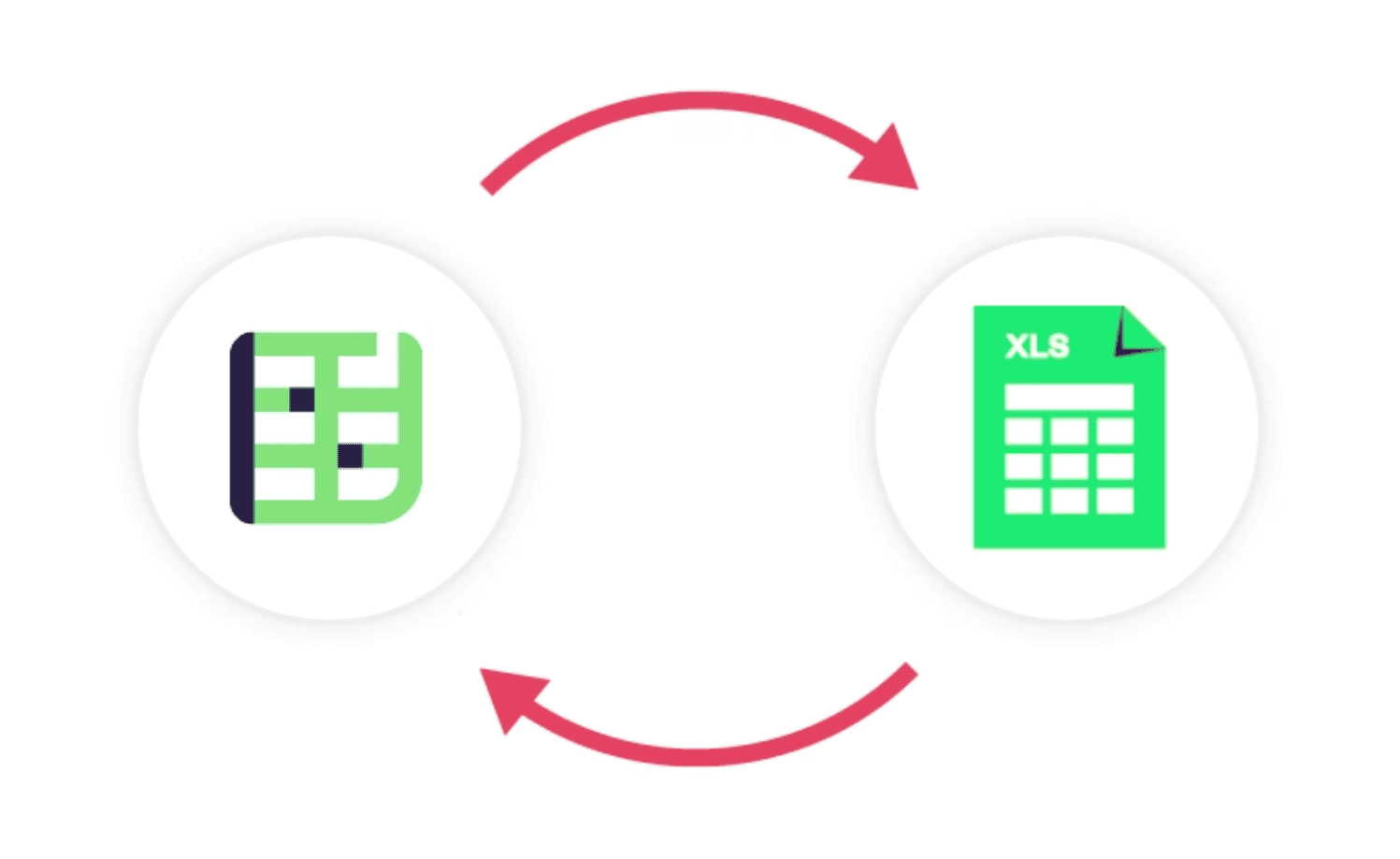
Import from and export to Excel
Empower your business teams with customizable templates.
Table display options are countless, display your tables as icons or tables, and display only some sheets as opposed to all sheets.
Need to know if your use case is possible?
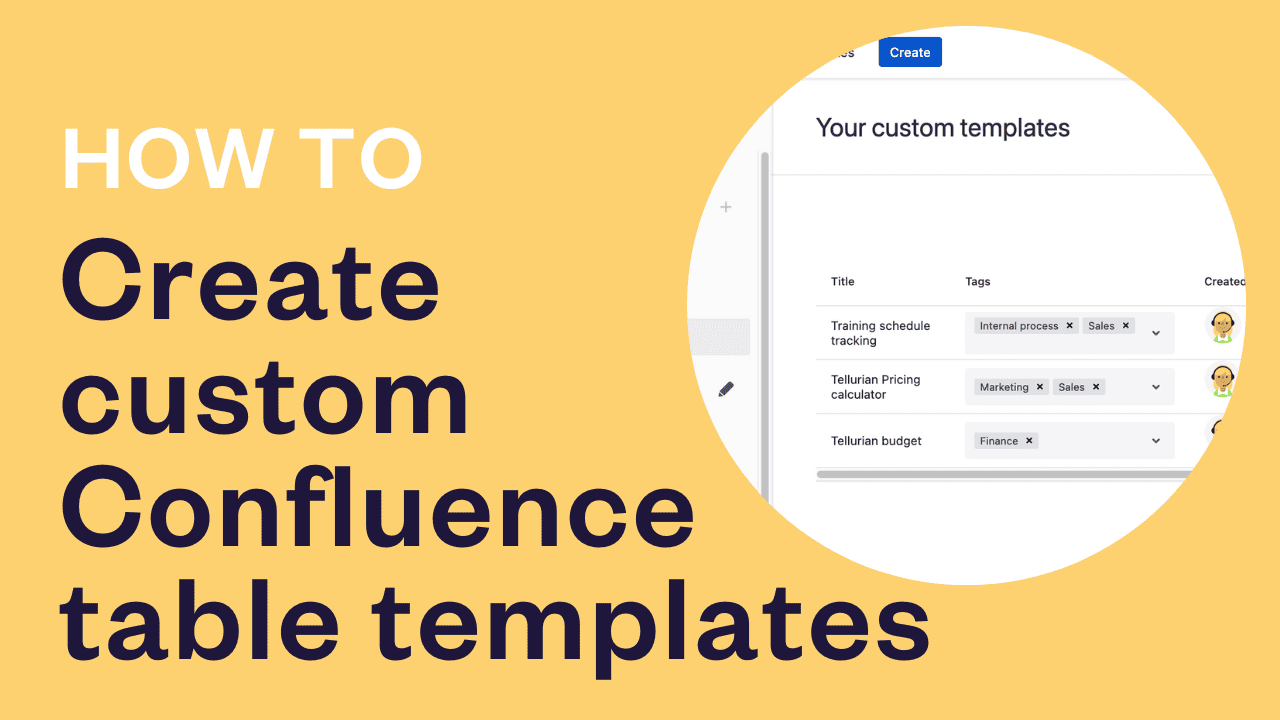
Never start from scratch, we have the template you need
If you need inspiration, Elements Spreadsheet has you covered! Your business teams can choose from a wide range of pre-defined templates, ranging from simple to-do lists, budget tracking, project and invoice management, etc. You can also create your own custom templates to match your company’s look and feel.
FAq
My document has many sheets but I would like to display only some specific ones. Can Spreadsheet do that?
Where is spreadsheet data stored?
Is there a version history of my spreadsheet documents?
I am migrating from Data Center to Cloud. Is Elements Spreadsheet migration compatible with the Confluence Cloud Migration Assistant?
Get started with Elements Spreadsheet today

Make information from Jira available for Confluence users

Take your Jira and Confluence integration to the next level by building Confluence pages with data from fields, comments, attachments, and labels from one or multiple issues. Stakeholders retain their preferred tool, with information synchronized from Jira to Confluence.
Recipes are dead easy to make
We use it in problem records, security vulnerabilities and change management… Recipes are dead easy to make and the fact we can trigger using A4J or workflow post functions makes life easy.

Discover how Elements Publish can help your team

Create Confluence pages from Jira issues

Generate pages with dynamic options

Embed all the information you need


Create postmortems in Confluence



Turn comments into articles

Need to know if your use case is possible?

Update pages automatically when Jira issue fields are changed
Hundreds of delighted clients around the world






FAQ
Can Confluence pages be updated in the information in Jira changes?
Can you use Publish with Confluence templates?
Can you publish information from a parent and child issue to the same page?
Can you publish attachments from the Jira issue?
What kind of security does Elements provide for Publish? Do you offer end to end encrypted security?