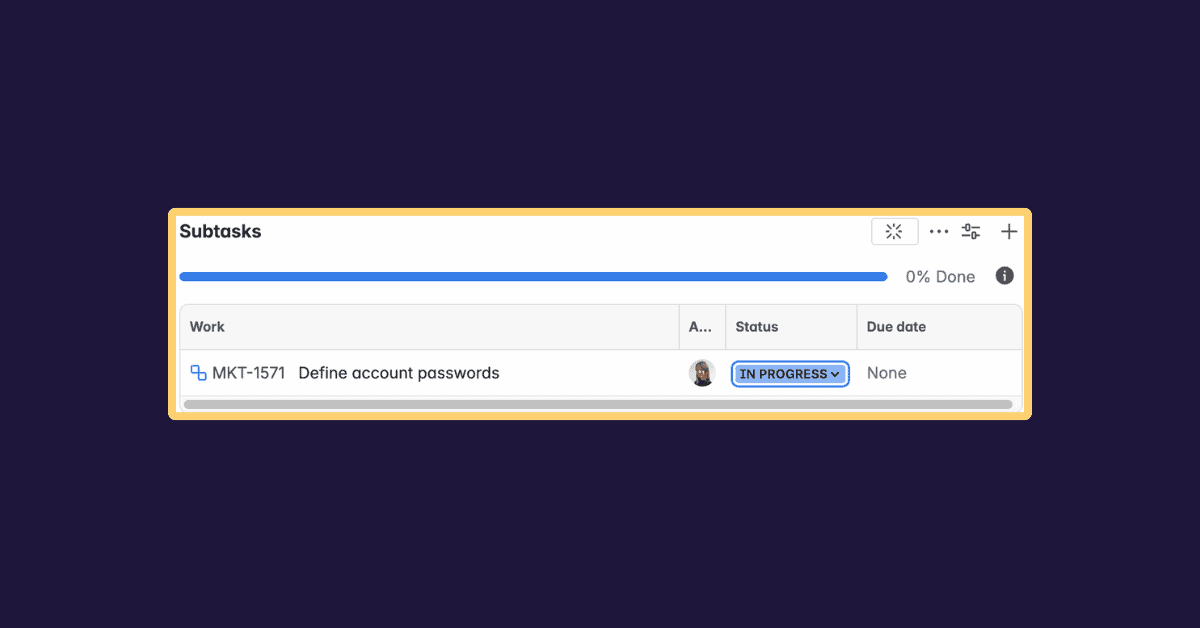





When managing a project in Jira, keeping work structured and visible is key. Jira subtask play a crucial role in that effort, they allow teams to break complex work into smaller units, distribute responsibilities, and track progress at a more detailed level.
In this article, we explain the fundamentals of Jira subtasks, what they are, how they relate to parent issues, how they differ from standard Jira issues, and when to use them across projects. You will also learn best practices to manage subtasks efficiently without adding unnecessary complexity.
Whether you are new to Jira or looking to improve how your team structures work, this guide will help you understand how subtasks fit into your project management strategy.
What is a Jira subtask?
In Jira, a subtask is a smaller unit of work that belongs to a parent issue, usually a story, task, or bug. Subtasks inherit key attributes from their parent while remaining manageable on their own.
Each subtask exists at a lower level of the issue hierarchy. It can be assigned to a team member, moved through a workflow, tracked, and resolved independently, while still contributing to the completion of the parent issue.
Think of a subtask as a concrete action required to complete a larger task. For example:
- Parent task: Implement login functionality
- Subtask: Design login UI
- Subtask: Build authentication API
- Subtask: Test login flow
Each subtask represents a specific piece of work, often handled by different people within the same team.
Why use subtasks in Jira?
Subtasks help teams work more clearly and efficiently by breaking work down to the right level of detail. Used correctly, they improve visibility and execution across a project.
Better work breakdown
Large tasks can feel overwhelming and difficult to estimate. Subtasks make work more manageable by splitting it into logical steps that are easier to plan and complete.
Improved delegation
Subtasks allow teams to assign different parts of a parent issue to different team members. This supports better workload distribution and avoids bottlenecks.
More precise tracking
Each subtask has its own status and workflow. This gives teams better insight into progress at a granular level, especially during development or testing phases.
Clear accountability
Assigning subtasks to individuals makes ownership explicit. Everyone knows which part of the work they are responsible for, even when working under the same parent issue.
Increased transparency across projects
Subtasks nested under a parent issue make it easier for stakeholders to understand the real scope of work involved in delivering a feature or completing a task.
When should you use Jira subtasks?
Subtasks are powerful, but they are not always the right choice. The key is knowing when work should live at the subtask level and when it should exist as a standalone issue.
Use subtasks when:
- A parent issue contains multiple clearly defined steps
- Different parts of the work can be assigned to different team members
- The work is closely tied to a single parent issue
- The subtask does not need independent tracking across projects
Avoid subtasks when:
- The work requires its own reporting, visibility, or prioritization
- The issue is large enough to stand alone as a task or story
- The work spans multiple projects or teams
- You need more than one hierarchy level
In those cases, creating a standard Jira issue is usually a better option.
Subtasks vs standard issues in Jira
Understanding the difference between subtasks and standard issues helps teams choose the right structure.
- Subtasks always have a parent issue
- Standard issues can exist independently
- Subtasks cannot have their own subtasks
- Both support assignees, workflows, and due dates
Subtasks are tightly linked to their parent. If the parent issue is deleted, all its subtasks are deleted as well. This dependency makes subtasks ideal for execution-level work, but less suitable for tracking work that must survive independently.
Common use cases for Jira subtasks
Teams across different disciplines use subtasks in consistent ways.
QA and testing
Testing work is often broken down into subtasks such as test case design, execution, and regression verification, all grouped under a single parent issue.
Software development
Development teams commonly split work into frontend, backend, and integration subtasks. Each subtask represents a different technical responsibility at the same hierarchy level.
Onboarding workflows
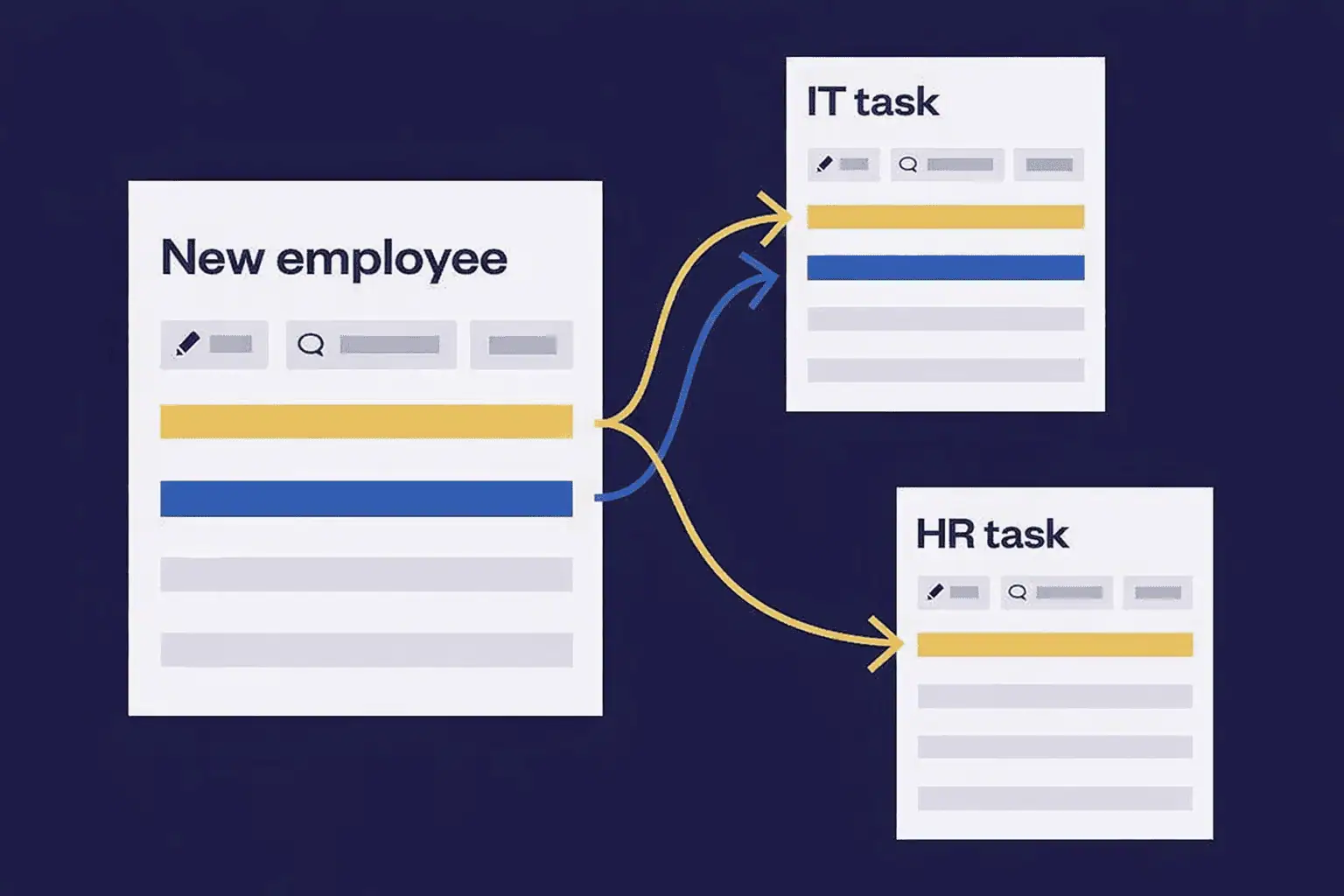
HR and IT teams often create onboarding projects where each new employee has a parent issue with standard subtasks for access, equipment, and training.
Recurring processes
For recurring projects such as releases, audits, or incident response, teams use templates and automation to create the same subtasks every time, ensuring consistency.
Limitations of Jira subtasks
Despite their usefulness, subtasks come with important constraints.
Same project limitation
A subtask must belong to the same project as its parent issue. You cannot create subtasks across different projects.
Single hierarchy level
Jira only supports one subtask level. You cannot create subtasks of subtasks, which limits how deeply you can break down work.
Reporting complexity
Subtasks may not appear in filters, dashboards, or boards unless explicitly included. This can make reporting more complex in large projects.
Permission inheritance
Access to subtasks depends on permissions set at the parent issue level. This can be restrictive in environments with complex permission schemes.
Best practices for managing Jira subtasks
To get real value from subtasks, teams should follow clear guidelines.
Define a subtask strategy
Agree as a team on when to use subtasks and when to create standard issues. Overusing subtasks can clutter projects and reduce clarity.
Write clear, actionable summaries
Each subtask summary should describe a concrete action so there is no ambiguity about what needs to be done.
Use consistent naming conventions
Consistent naming helps subtasks remain readable when viewed outside the context of the parent issue.
Assign owners deliberately
Every subtask should have a clear owner. Unassigned subtasks reduce accountability and slow progress.
Use automation where possible
Automation helps teams create and manage subtasks efficiently, especially in projects with recurring workflows.
Subtasks and automation at scale
If your team repeatedly creates the same subtasks, automation becomes essential to avoid manual errors and missed steps.
Elements Copy & Sync, enables teams to instantly create structured subtasks using reusable templates. Choose exactly which data should be inherited from the parent work item – such as description, priority, assignee, and other fields (including custom fields) – and optionally include comments and attachments. With Elements Copy & Sync, every task is created consistently and ready to work on from the start.
Subtask creation can be triggered through workflows or transitions, allowing teams to adapt automation rules to different issue types and use cases. Elements Copy & Sync also keeps comments, statuses, and selected fields aligned between parent issues and subtasks, so everyone stays in sync as work progresses.
This approach helps teams reduce manual effort, improve consistency, and scale recurring processes reliably across multiple Jira projects.
Learn how to define substask templates with Elements Copy & Sync
Jira subtasks in agile boards
Subtasks behave differently depending on board configuration.
In Scrum boards, subtasks usually do not contribute to story points unless additional configuration or apps are used.
In Kanban boards, too many visible subtasks can clutter the board and reduce readability. Filtering and swimlane configuration help maintain clarity.
Make sure your board setup matches how your team wants to visualize progress at both the issue and subtask level.
Final thoughts on Jira subtask
Jira subtasks help teams structure work, improve collaboration, and track execution at the right level of detail. When used intentionally, they bring clarity to a complex project.
Before creating a subtask, ask whether the work truly belongs under a parent issue or whether it should exist as a standalone task. Consistency across projects is key to long-term success.
Ready to create Jira subtasks faster, with consistency and control built in?
Explore how Elements Copy & Sync can help you streamline task management on the Atlassian Marketplace.